Most intuitive personal second brain
built for Teams
Collaborate, collect, and build your library together.
Powerful integrations and AI agents to do the heavy lifting for your team.
Coming Soon

Built for teams that think together
Collaborate, collect, and build your library as one
Collaborate Together
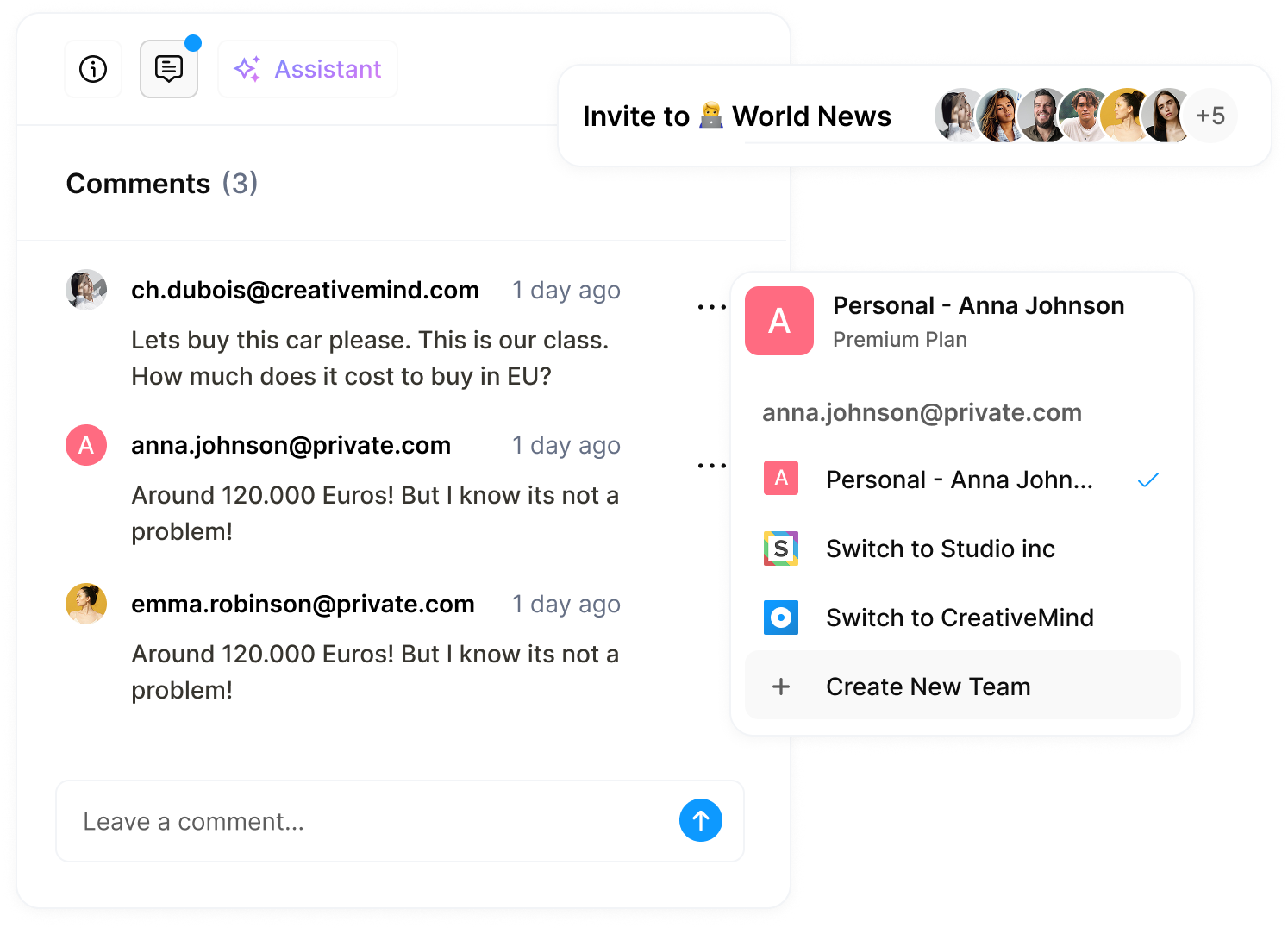
Work solo or with others — invite teammates, create shared workspaces, switch between accounts, and share ideas through comments and discussions.
Shared Collections
Build your team's knowledge library together. Create shared collections, assign resources, and keep everyone on the same page.
Powerful AI Agents
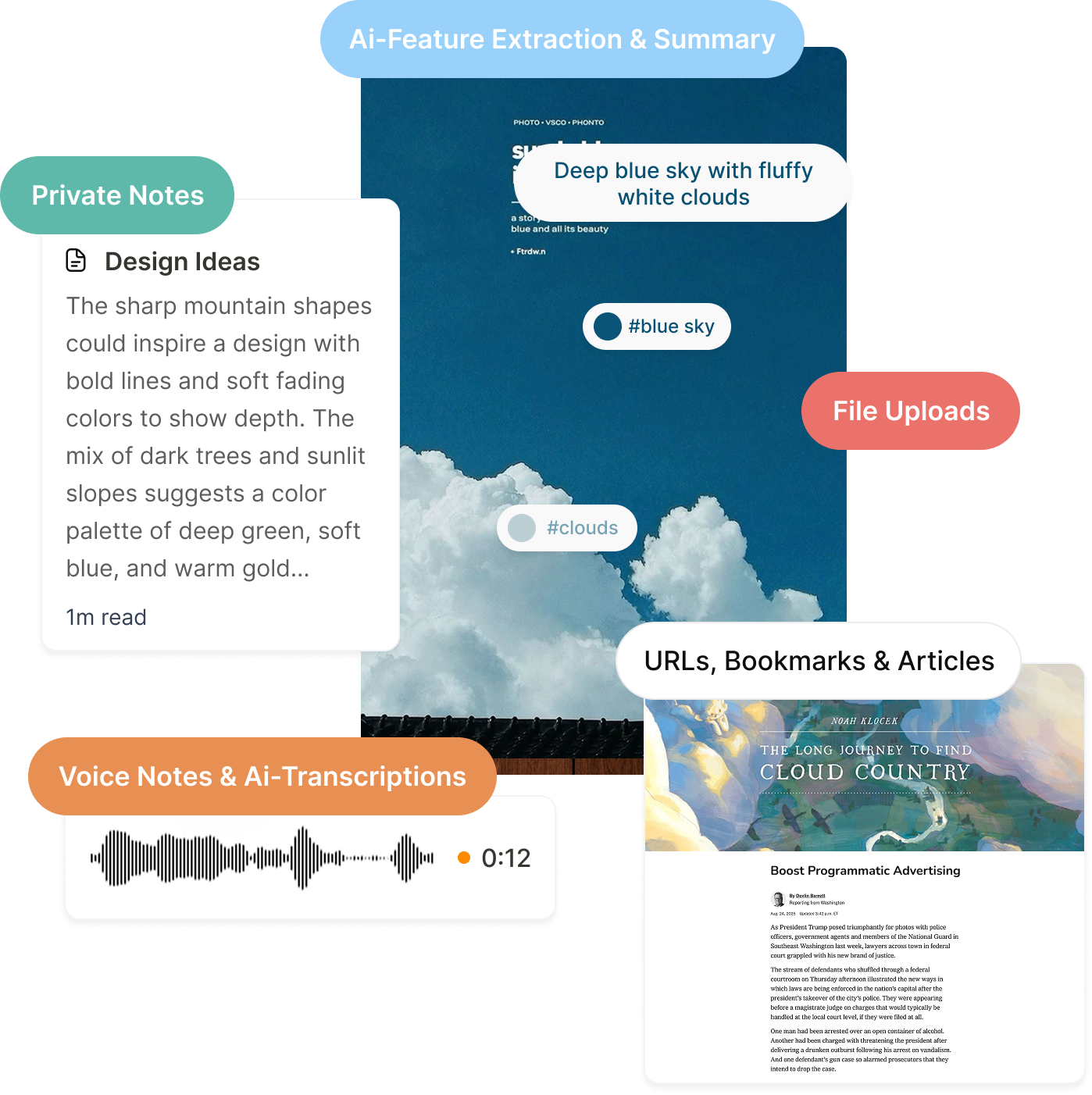
Let AI agents handle the heavy lifting. Auto-organize resources, generate insights, and keep your team's library clean and searchable without manual effort.

Everything your team needs
Built for collaboration from the ground up.
All Core Features Included
Collections, tags, AI summaries, search, reading mode, and everything else — Teams includes all the features from Shelfy, plus tools built for collaboration.
Team Workspaces
Create separate spaces for different teams, projects, or clients. Each workspace has its own collections, members, and settings — so nothing gets mixed up.
Integrations
Connect Shelfy to Slack, Notion, Google Drive, and more. Push resources where your team already works — or pull content in automatically.
AI Assistant
Ask questions about your team's saved content and get answers from any resource — or your entire library. Soon, it will act on your behalf: organizing resources and working with your connected apps.
AI-Powered Search
Search across your entire team's library by keyword or meaning. Find that resource your teammate saved last month — even if you don't remember the exact title.
Role-based Permissions
Control who can view, edit, or manage your team's resources. Assign roles like Admin, Editor, or Viewer — and know your library is always in the right hands.
Comments & Discussions
Leave comments on any resource. Ask questions, share feedback, or add context — all without leaving Shelfy. Conversations stay attached to the content they're about.
Activity Feed
See what your team is saving, organizing, and discussing — all in one feed. Stay in the loop without asking for updates or chasing down changes.
Shared Shuffles
AI automatically groups your team's resources by theme, topic, or pattern. Discover connections across teammates' saves — without anyone organizing manually.
Teams is coming soon
Be the first to know when Teams launches. Join the waitlist now.